Set up your pricing
Connect your ABC Supply account or upload your distributor’s price sheet. Every item lands with its order code, unit and cost, and you set the margin you sell at.
One connected workflow from distributor pricing to the customer proposal, signed job, material order, and job P&L.

Each step picks up where the last one left off. Nothing is retyped between the estimate, the proposal and the order.
Connect your ABC Supply account or upload your distributor’s price sheet. Every item lands with its order code, unit and cost, and you set the margin you sell at.
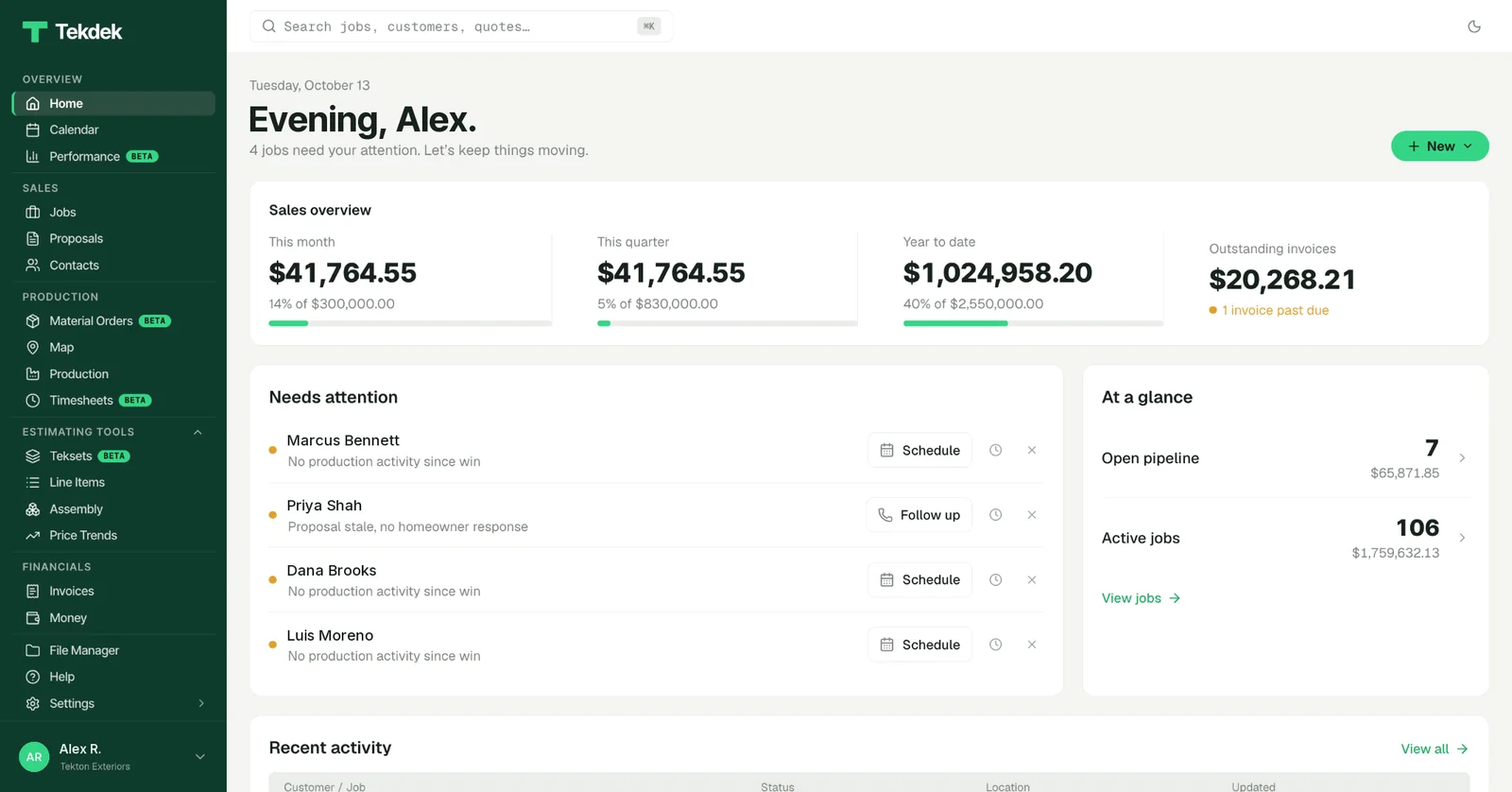
Add the job from the office or the driveway. It lands on the jobs board, where each stage shows what’s waiting, and on the calendar and map for whoever is running the appointment.
Enter walls and openings, upload a roof measurement report, or measure a wall from your own photos. Tekdek turns the measurements into quantities.
Choose the products. Saved assemblies bring the accessories and labor with them, each line shows where its number came from, and cost and margin are visible the whole time.
Start from one of your templates, with your cover, photos, scope language, warranty and terms already in place. Offer a single price or complete options to choose between.
Sign on your device at the kitchen table, or send a link. Once signed, the proposal is locked. Later changes are written as a change order, so the original agreement is always on record.
Import the sold scope into a material order. Add the delivery address, date and site contact, check the prices, and submit it to your ABC Supply branch or download it as a PDF for any other supplier.
Send invoices from the sold job, see what’s outstanding, and put the vendor’s invoice beside the projected material cost to see what the job actually made.
Tekdek can use pricing from your ABC Supply branch or a distributor price sheet you upload. Prebuilt assemblies turn measurements into material quantities, then carry real order codes into a purchase order.
Material orders can be submitted straight to your ABC Supply branch, or downloaded as a PDF for any other supplier.
Show the homeowner exactly what is included, offer complete options when the job calls for it, and capture a signature in person or by link, all from the priced quote.
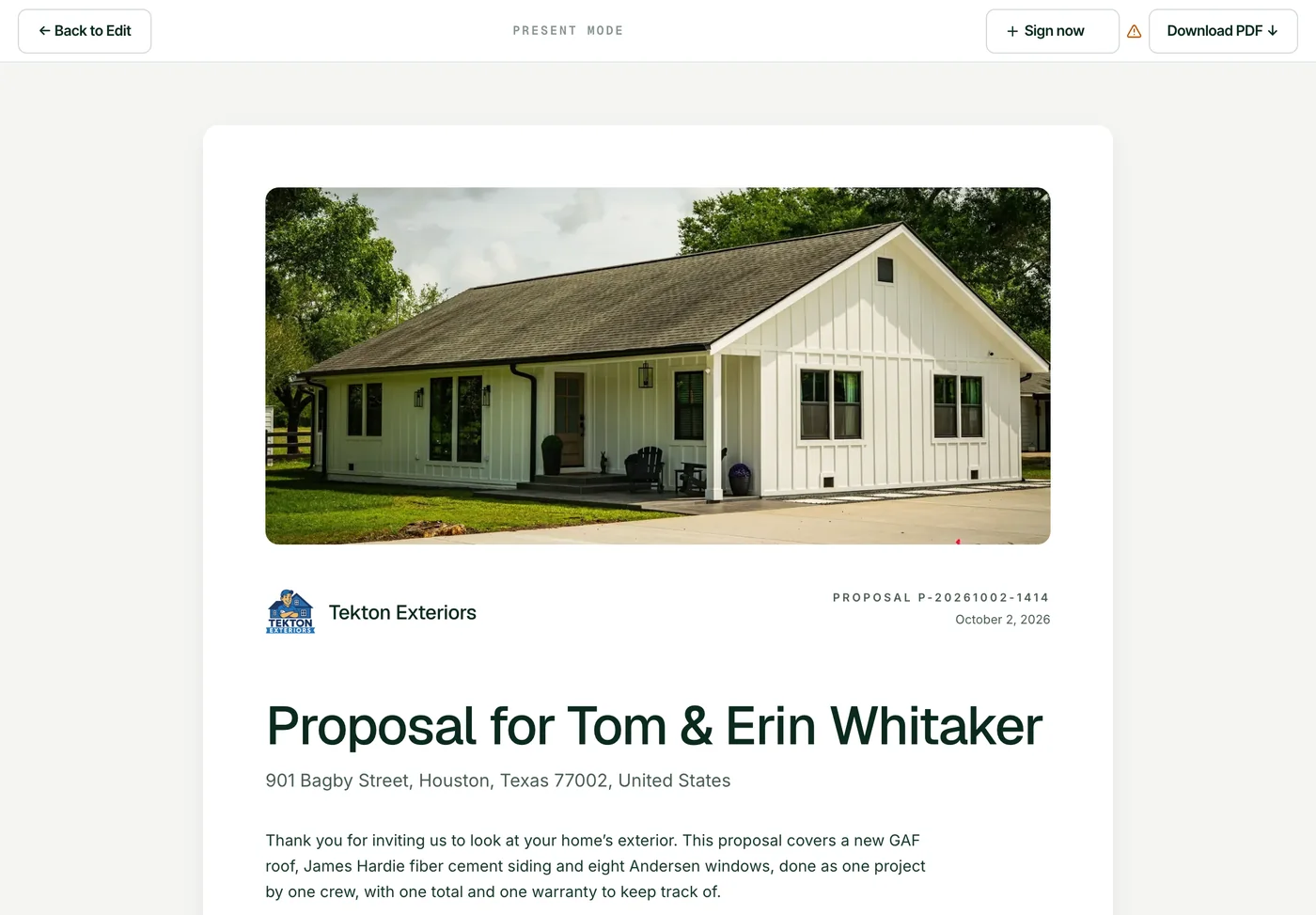
Change the scope and the proposal moves with it. Siding, roofing, and windows can live in one document.
Add two or three complete options. The customer selects one on the proposal and signs for that one.
Sign on your device or send a link. The signed PDF and notifications go out automatically.
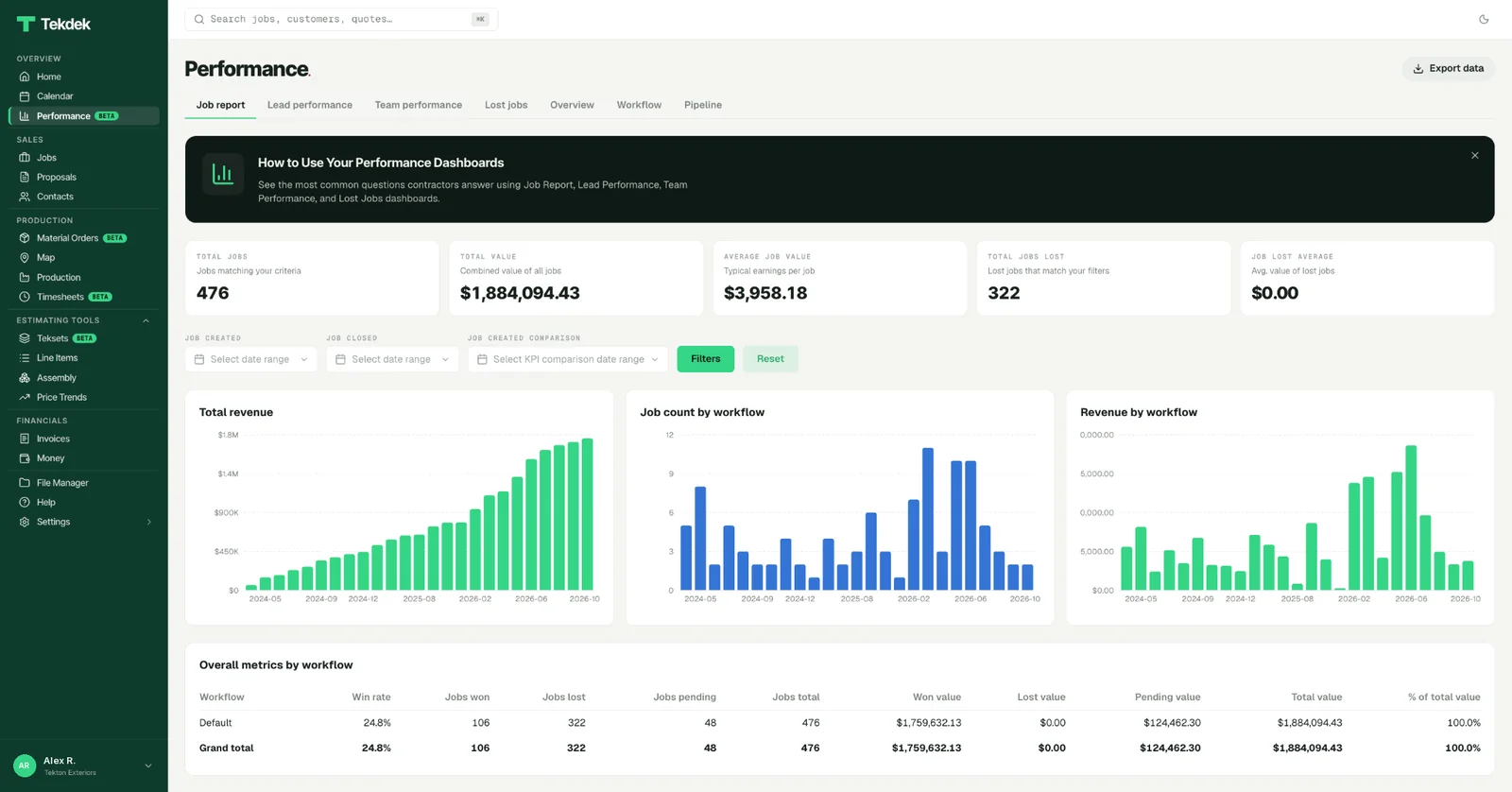
Cost, overhead, and margin sit on the quote while you build it. Vendor invoices reconcile actual material cost against projected cost when the job is done.
When a cost is unknown, Tekdek says unknown. It never shows a fake 100% margin because a number is missing.
There’s nothing to install. Tekdek runs in the browser on a desktop, tablet or phone.